개발자로서 스토리보드 없이 UI를 만드는 방법을 알아야 할 필요성을 느꼈기 때문에 코드로 UI 작성을 연습했습니다.
그래서 스토리보드 없이 프로젝트를 만드는 방법에 대해 쓰겠습니다.
1. 프로젝트 생성
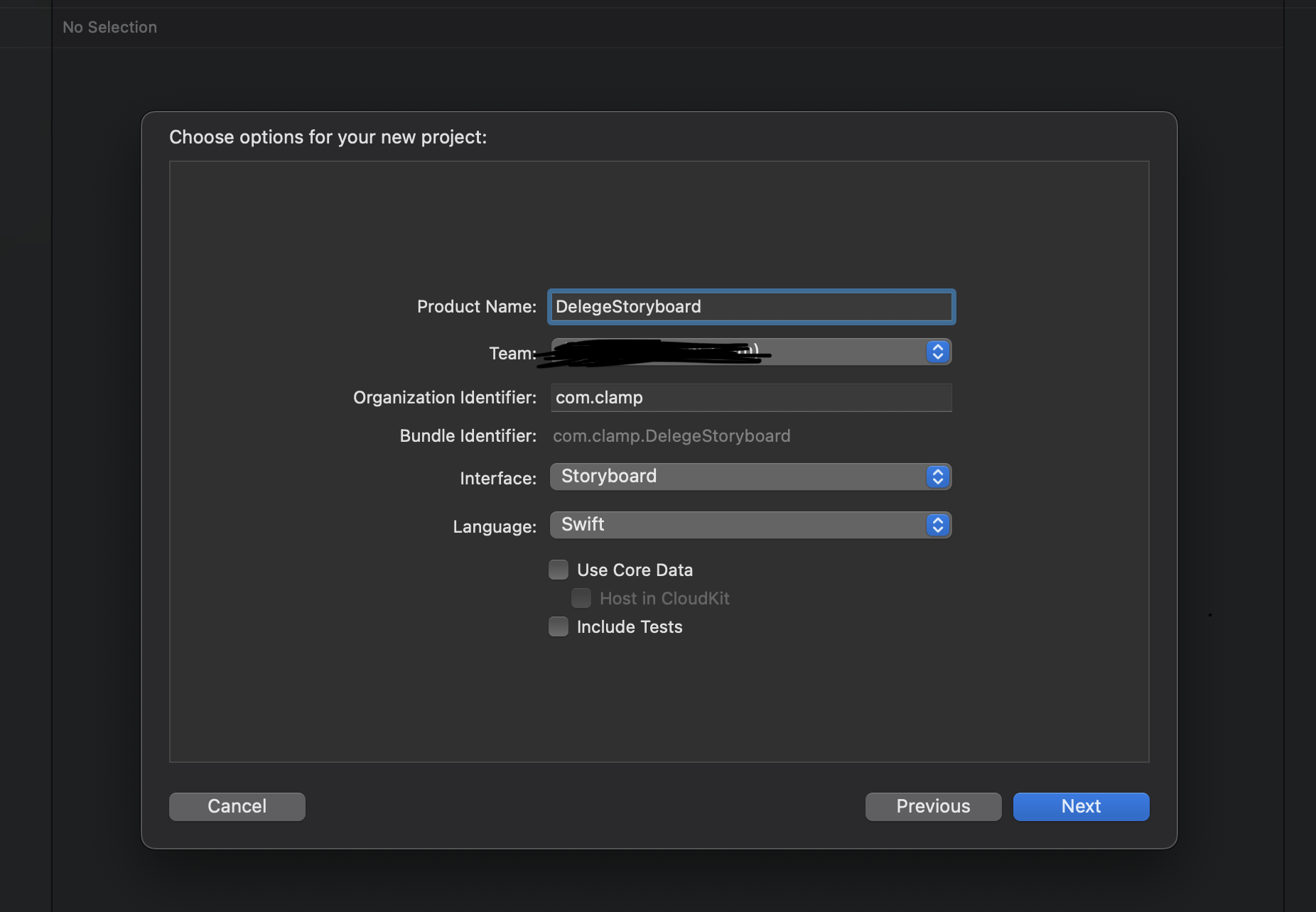
![[Leetcode 57] Insert](https://place.best-news.co.kr/wp-content/plugins/contextual-related-posts/default.png "[Leetcode 57] Insert")
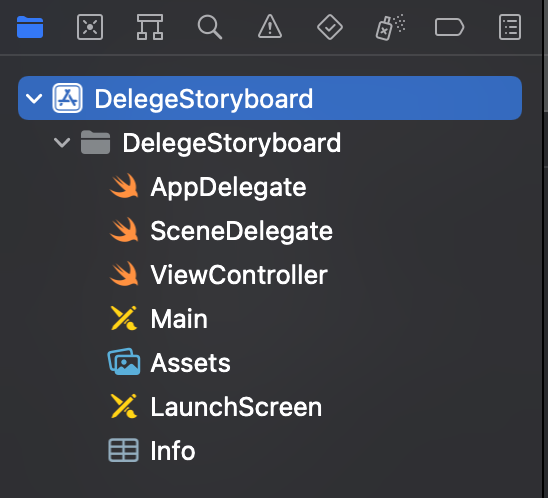
2. 메인 스토리보드 삭제
스토리보드를 지웁니다.
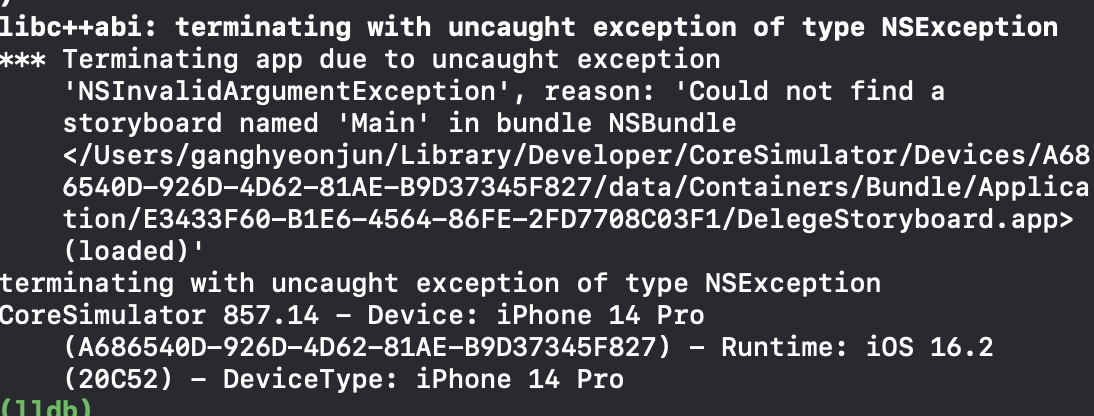
메인 스토리보드를 찾을 수 없어 오류가 발생합니다.
3. info.plist 편집
1. 스토리보드 이름을 삭제합니다.
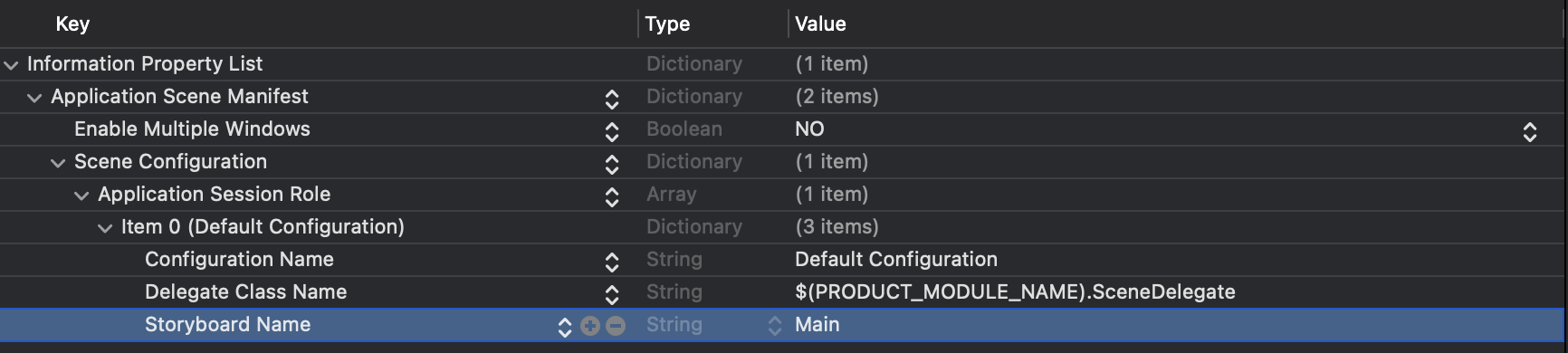
2. 기본 스토리보드 파일의 기본 이름을 찾아 삭제합니다.

Command + S 프로젝트 저장!!
4. 초기 ViewController(루트)를 설정합니다. 파일 이름: SceneDelegate.swift
class SceneDelegate: UIResponder, UIWindowSceneDelegate {

    var window: UIWindow?


    func scene(_ scene: UIScene, willConnectTo session: UISceneSession, options connectionOptions: UIScene.ConnectionOptions) {

        guard let windowScence = (scene as? UIWindowScene) else { return }
        window = UIWindow(frame: windowScence.coordinateSpace.bounds)
        window?.rootViewController = UINavigationController(rootViewController: ViewController())
        window?.makeKeyAndVisible()
        window?.windowScene = windowScence
    }
5. ViewController의 배경색을 지정하고 잘 나오는지 확인해야 합니다.
class ViewController: UIViewController {

    override func viewDidLoad() {
        super.viewDidLoad()

        view.backgroundColor = .systemPink
    }

}